Software / Coding / 2021
Content Manager
Managing BIM content is a problem many firms and companies of all types and sizes face nowadays.
.png?alt=media&token=2f7b0542-21c0-4a0f-9c92-449bb914c27d)
Overview
Together with the team at Voyansi, we had our take on this issue. The concept we envisioned is divided into three parts:
An exporter
A web platform
An importer
So, the workflow is as follows:
Export your content library using the exporter Revit addin, having a series of outputs:
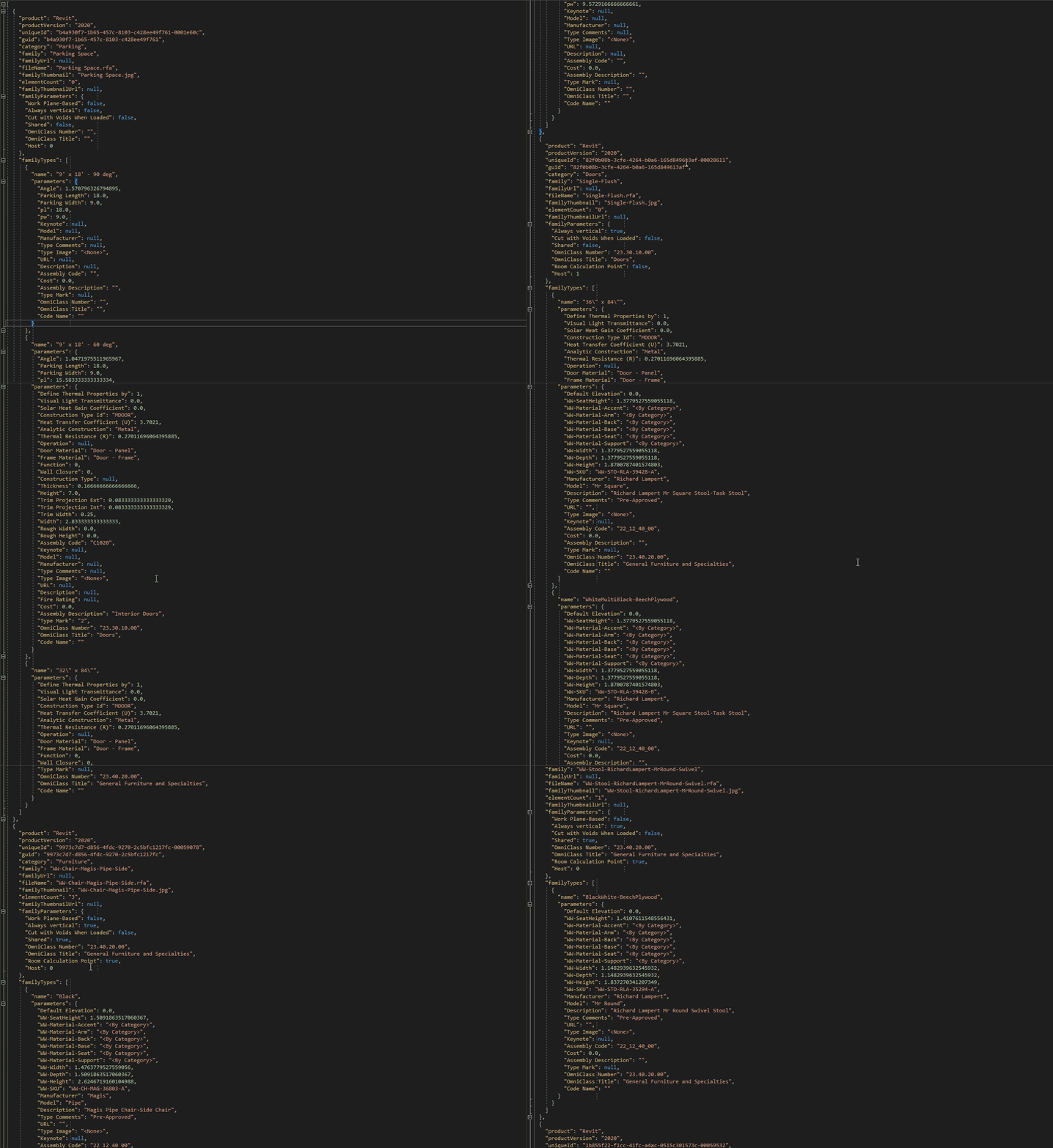
Family and type data
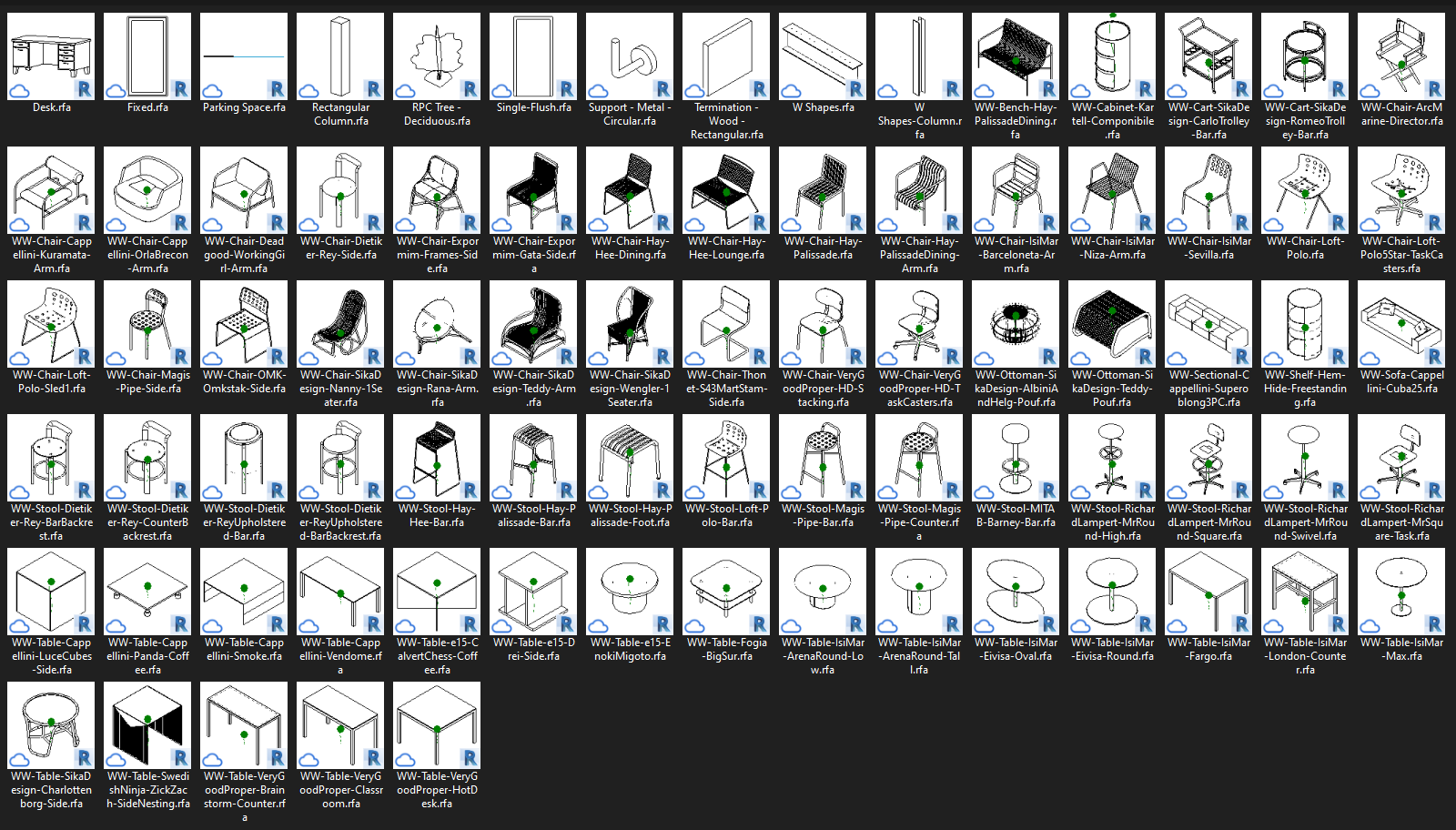
Thumbnails
Family files
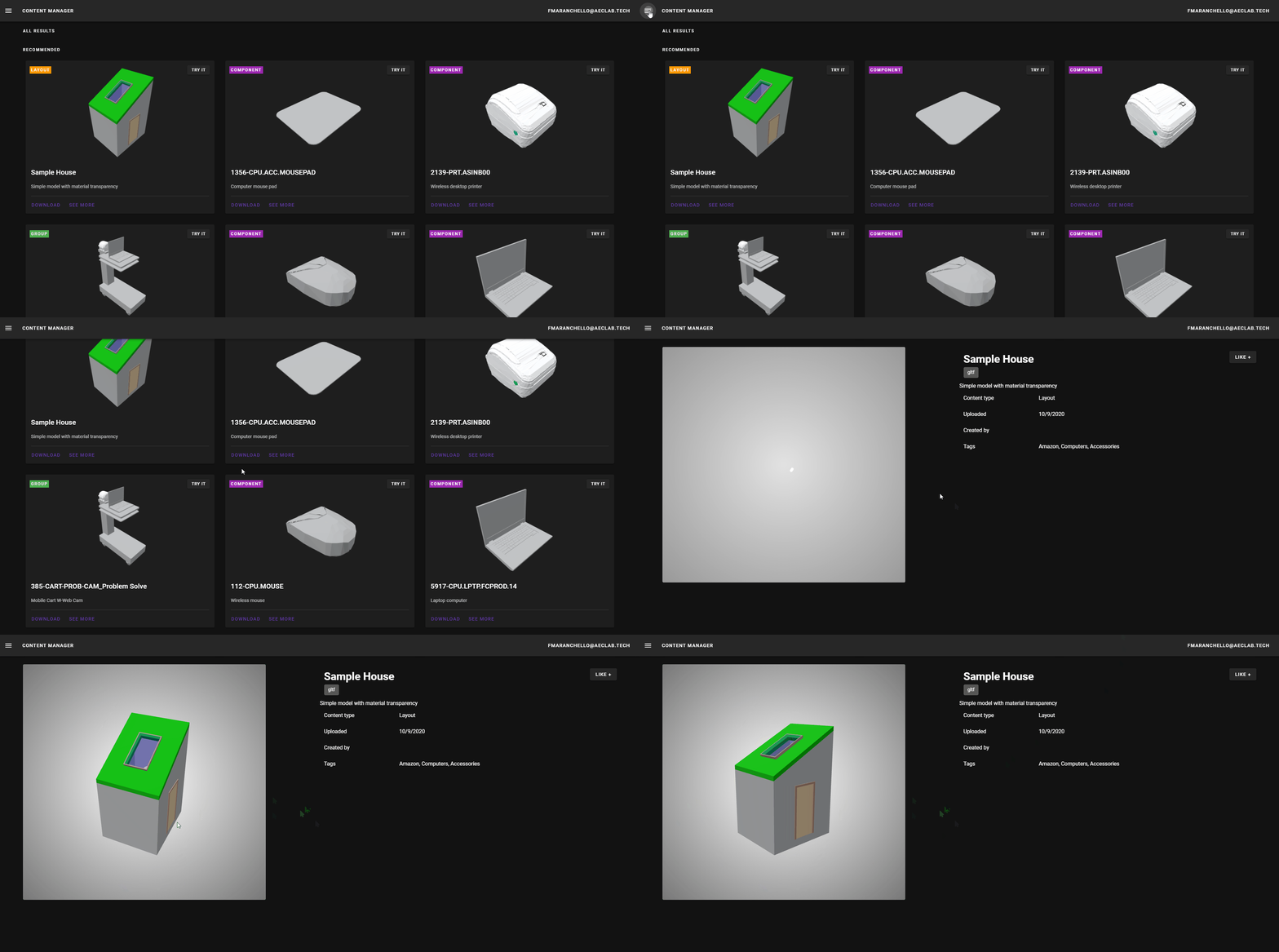
View and manage it through a web platform
Insert and use it in your BIM projects through the Revit addin
A second phase is to not only manage individual content pieces but to start organizing them in Layouts.
Layouts
Layouts can add an extra dimension to manage content problems: all possible combinations of single elements that work relative to a certain context, linked together.
For example, let's say you have to organize furniture in order to have spaces that match certain design rules. You can create different schemas, you can use advanced tools, also you can include complex algorithms with AI right from the bat. Or you can start much simpler and scale as you need: dividing furniture sets to their most atomic components for a specific project (this can vary depending on the specific scale and needs).
The next step is to create layouts that allow controlling the behavior of those atomic components, depending on given parameters. Then the problem boils down to placing the same elements in different positions. The atom <> group relationship can vary and scale depending on each project, but the overall concept is the same: a many-to-one relation.
Once this is in place, it can be scaled to more complex solutions, always keeping the same concept as the underlying organization.
Taking it further
Creating an additional layer on top of elements allows for more control of their behavior, extending what you can build on top. This can mean creating systems to automate layouts by placing these groups and controlling the elements inside them in a given way according to the context as well as other possible use cases. See the Automation example in Delos, for example.
Exporter
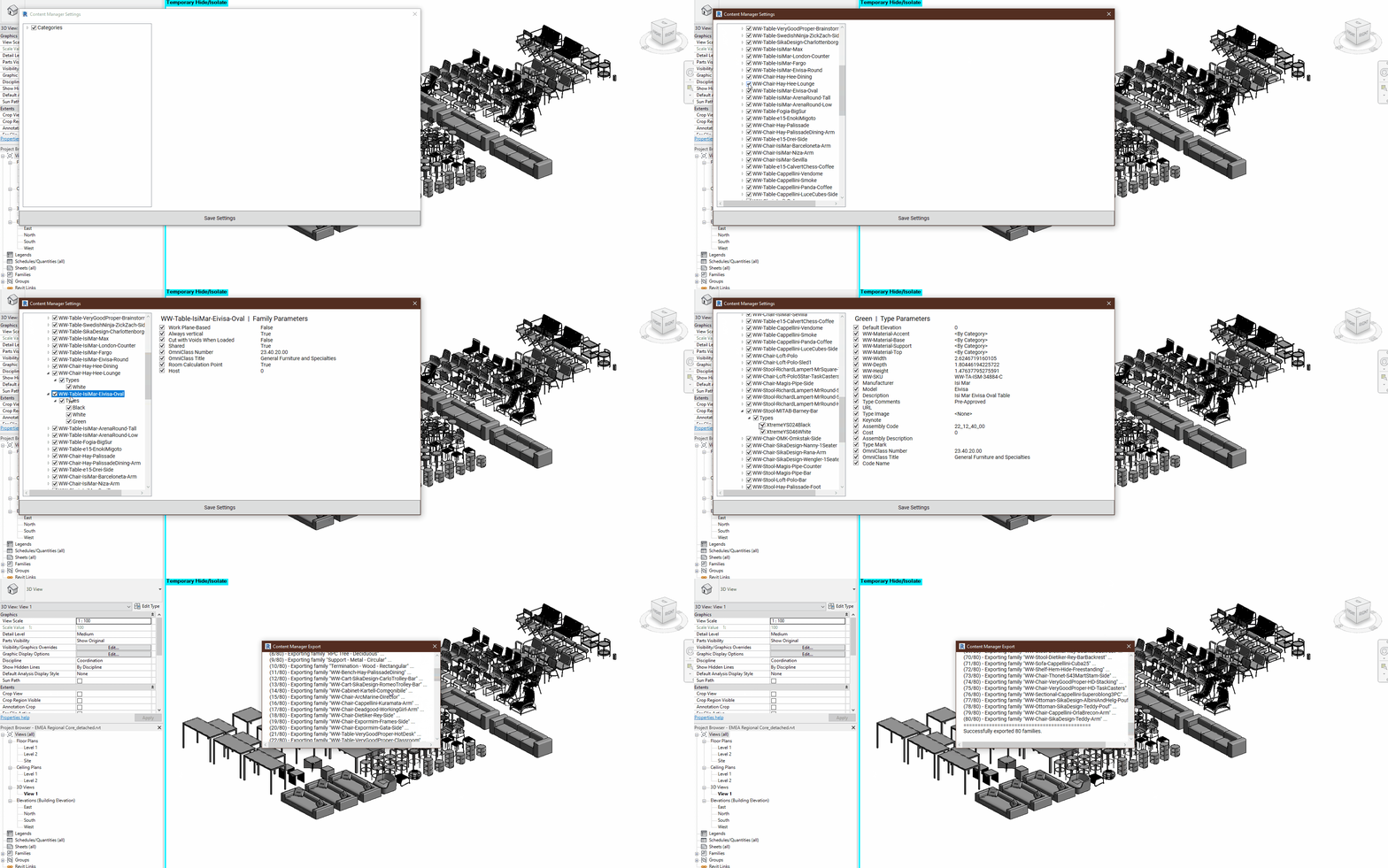
Enables for viewing and exporting all family files, family and type data, and thumbnails in a flexible way.
Platform
A web platform to organize, manage and view layouts, components, groups, and families.
Importer
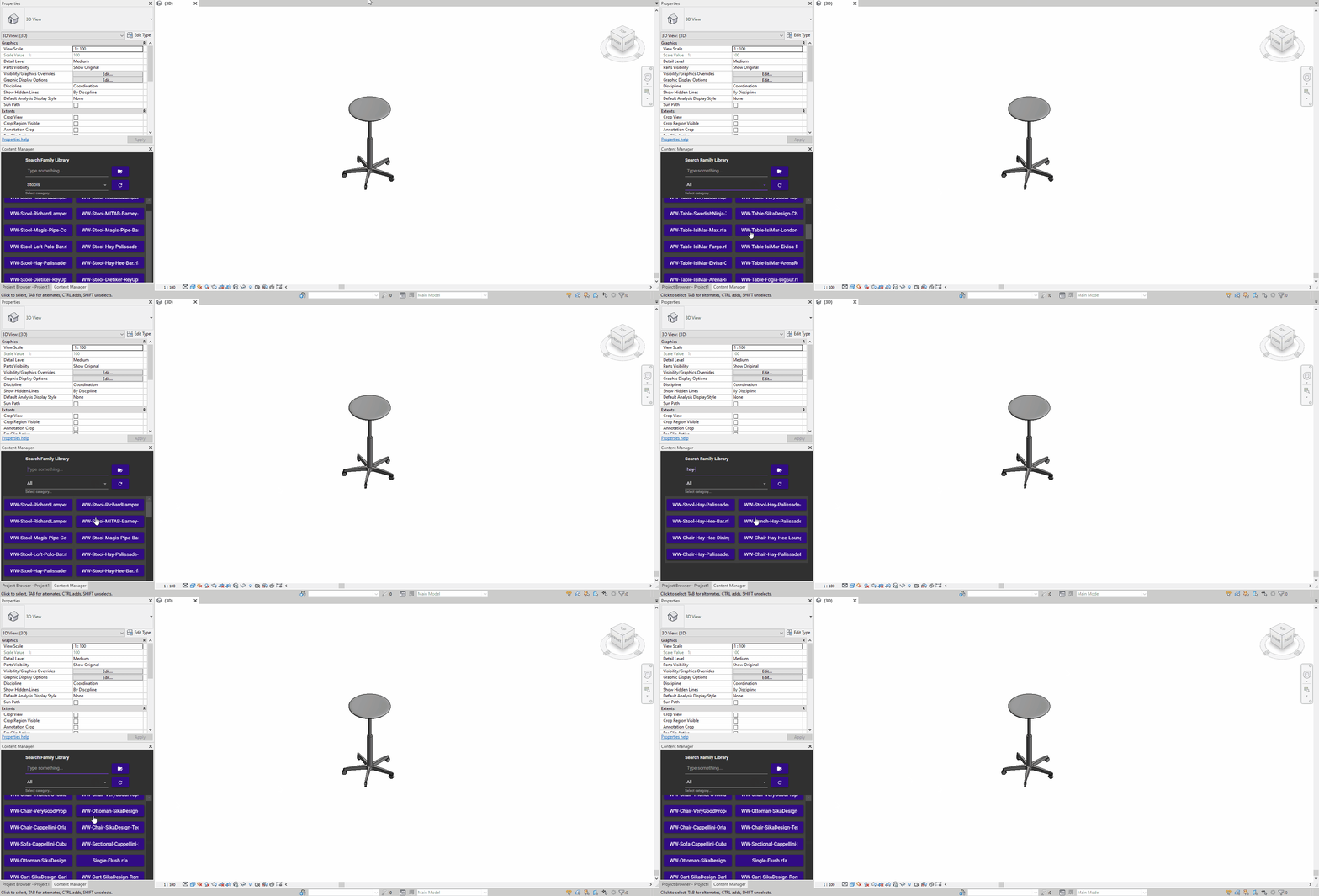
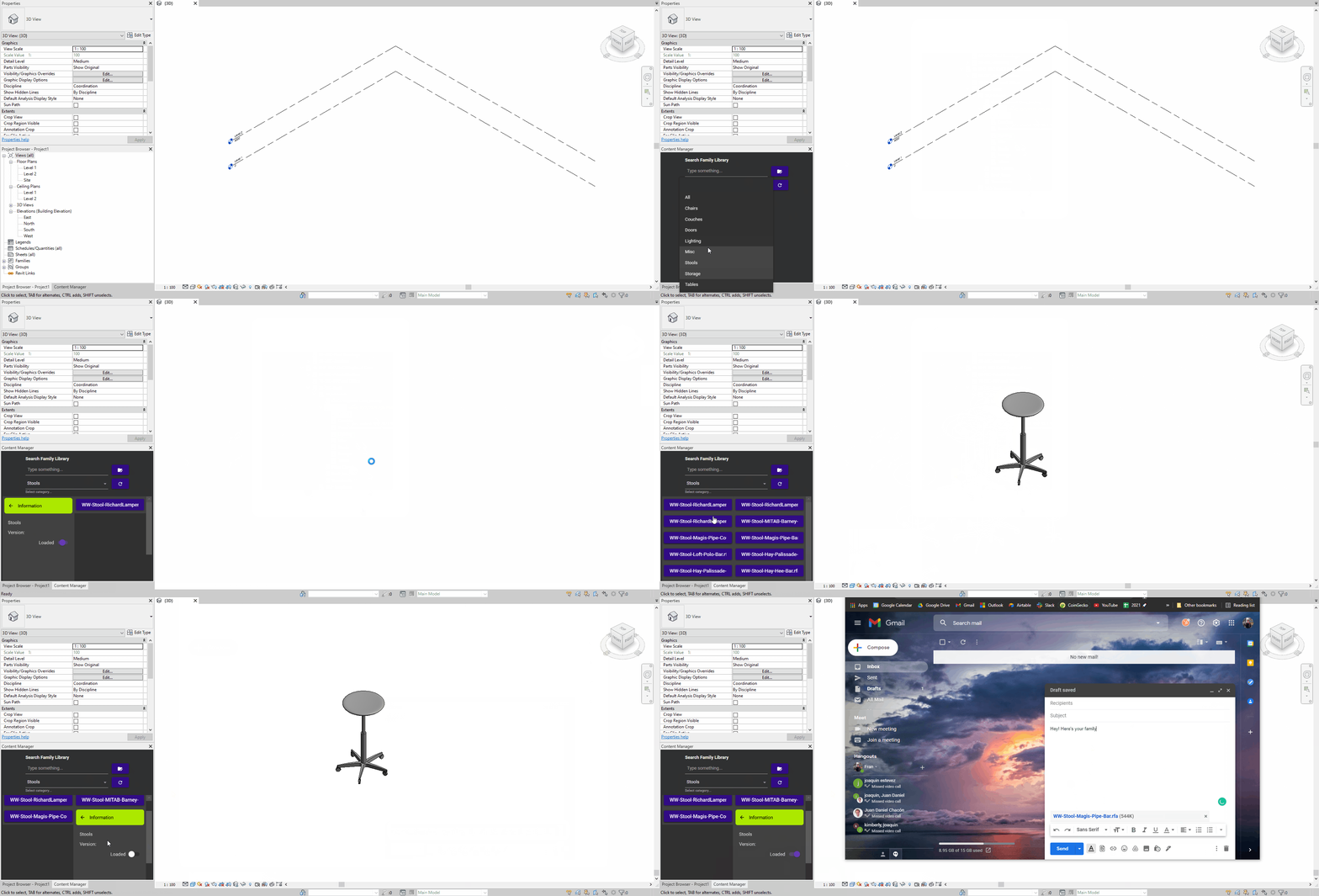
A Revit addin to view, search, insert and send families. It scans the desired directory and categorizes families based on folder structure or, if it exists, an exporter data file like shown previously (can be used flexibly with or without the export workflow, connected to the cloud or in a local way).