Content / BIM / 2019
BIM Content Creation
During the past few years, I've helped many companies of different types and sizes get up and running with BIM.
.png?alt=media&token=e8a17cac-21da-440c-a77b-d55347b6b464)
.png?alt=media&token=7bee7fe0-feef-46f5-80c2-f344a33c1ead)
.png?alt=media&token=c760a752-fad6-472a-a812-c25cc7e52b4f)
.png?alt=media&token=b235491e-45c5-41eb-91a4-f3494bd7099c)
.png?alt=media&token=a538e603-20fb-4b34-a341-e207f7f62d0e)
.png?alt=media&token=93fa3c17-327c-485a-8342-df12b0829c8c)
.png?alt=media&token=819e3df0-5a69-46ce-8473-531e7281a122)
Overview
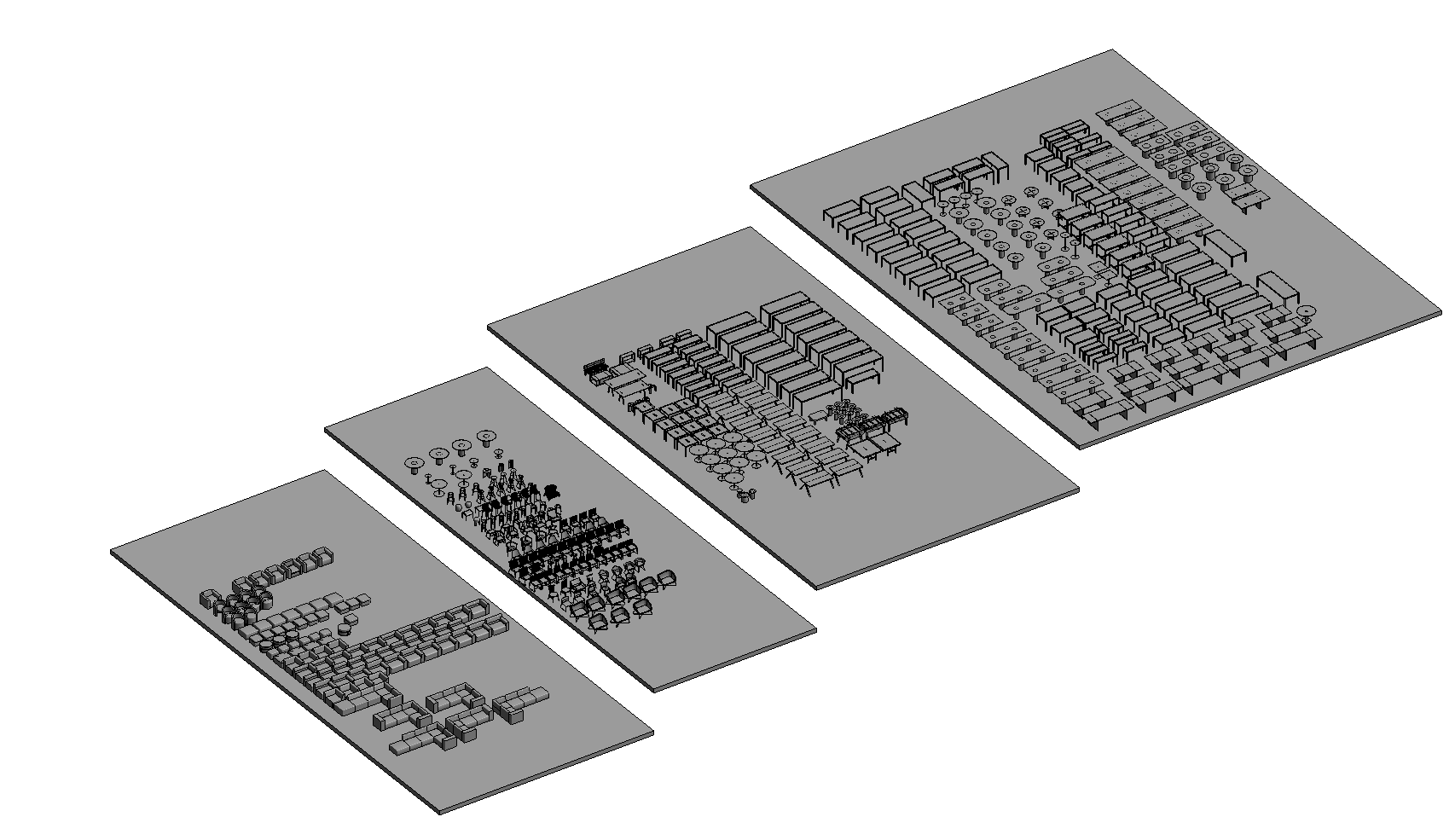
A big part of implementing BIM includes content creation, a phase of this process in which I've been involved directly producing and also managing content creation work, mostly as a member of Voyansi.
I've explored the depths of the Family Editor in Revit, creating tailored-size content from the simplest to the craziest, multiple-level nested families with hundreds of formulas (literally).